AI Tutorial Video Generator: What It Is and How to Make a Clear Teaching Video
An AI tutorial video generator turns your lesson notes into a narrated teaching video. Here is exactly how it works, what it costs, and where it falls short.
Use Cases
The short version
An AI tutorial video generator is software that takes a written lesson, a topic, or a set of notes and turns it into a finished educational video, scripting, illustrative visuals, voiceover narration, and on-screen captions, without you filming anything or editing a timeline. You type what you want to teach; the tool produces a watchable explainer in a couple of minutes. On Keyvello that loop runs in roughly 2 to 5 minutes. It is the right tool when your lesson is explainable in narration plus visuals, a concept, a process, a definition, a walkthrough of an idea. It is the wrong tool when teaching requires a presenter on camera or a recording of your real software screen. Below: what these tools do, how to build a teaching video that lands, what it costs, and where another approach wins.
How an AI tutorial generator builds a lesson, step by step
Under the hood, every one of these tools runs a version of the same pipeline. Understanding it tells you where you have control and where you do not.
1. You give it the lesson, not a template
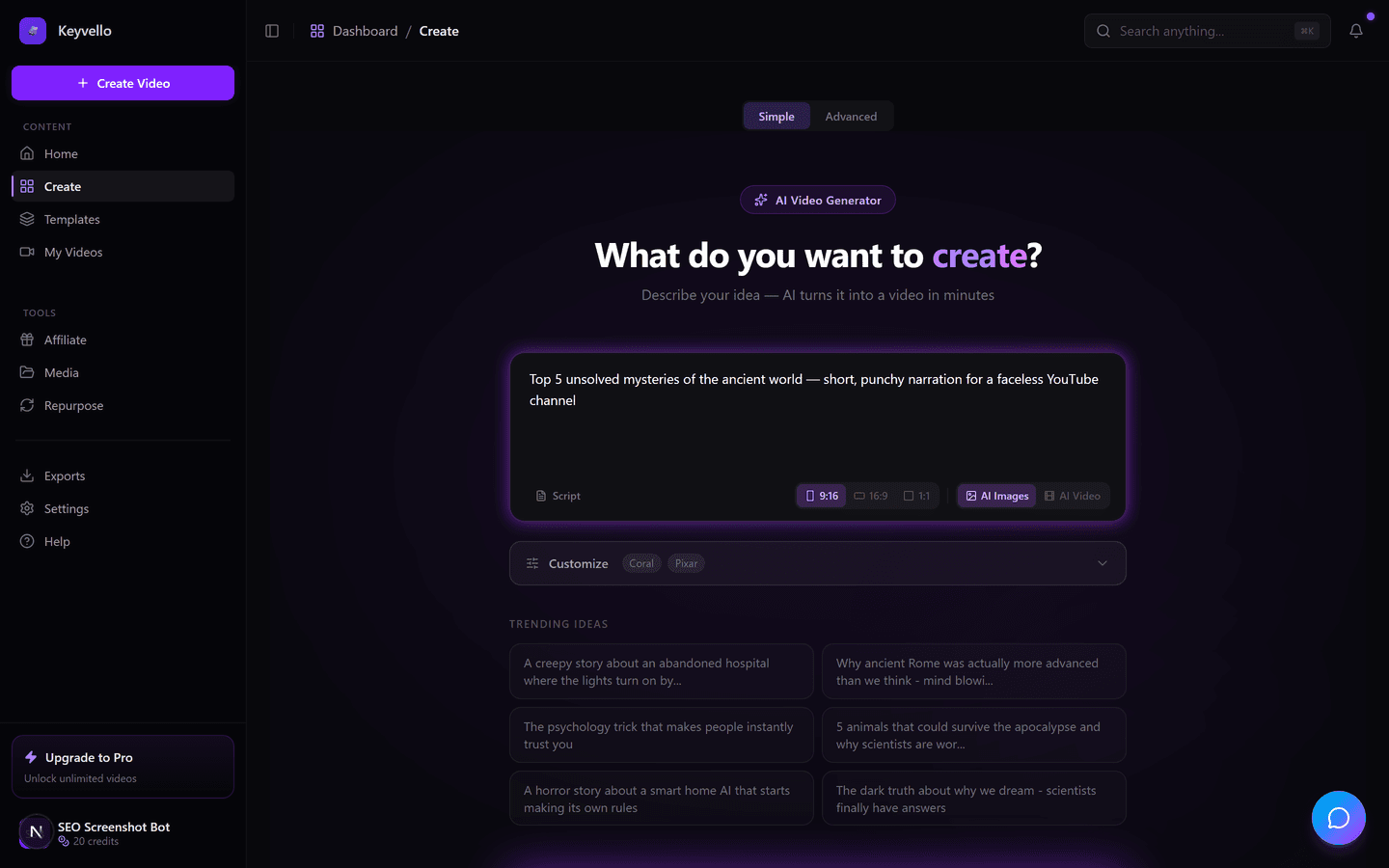
On the create screen you describe the topic in plain language ("explain how compound interest works for a beginner") or paste your own teaching notes as the script. Pasting your own notes is the move for educators, because it forces the tool to teach your explanation rather than a generic summary scraped from the web. The tool then splits your text into scenes, so each idea becomes its own segment with its own visual.
2. You pick a teaching format and a voice
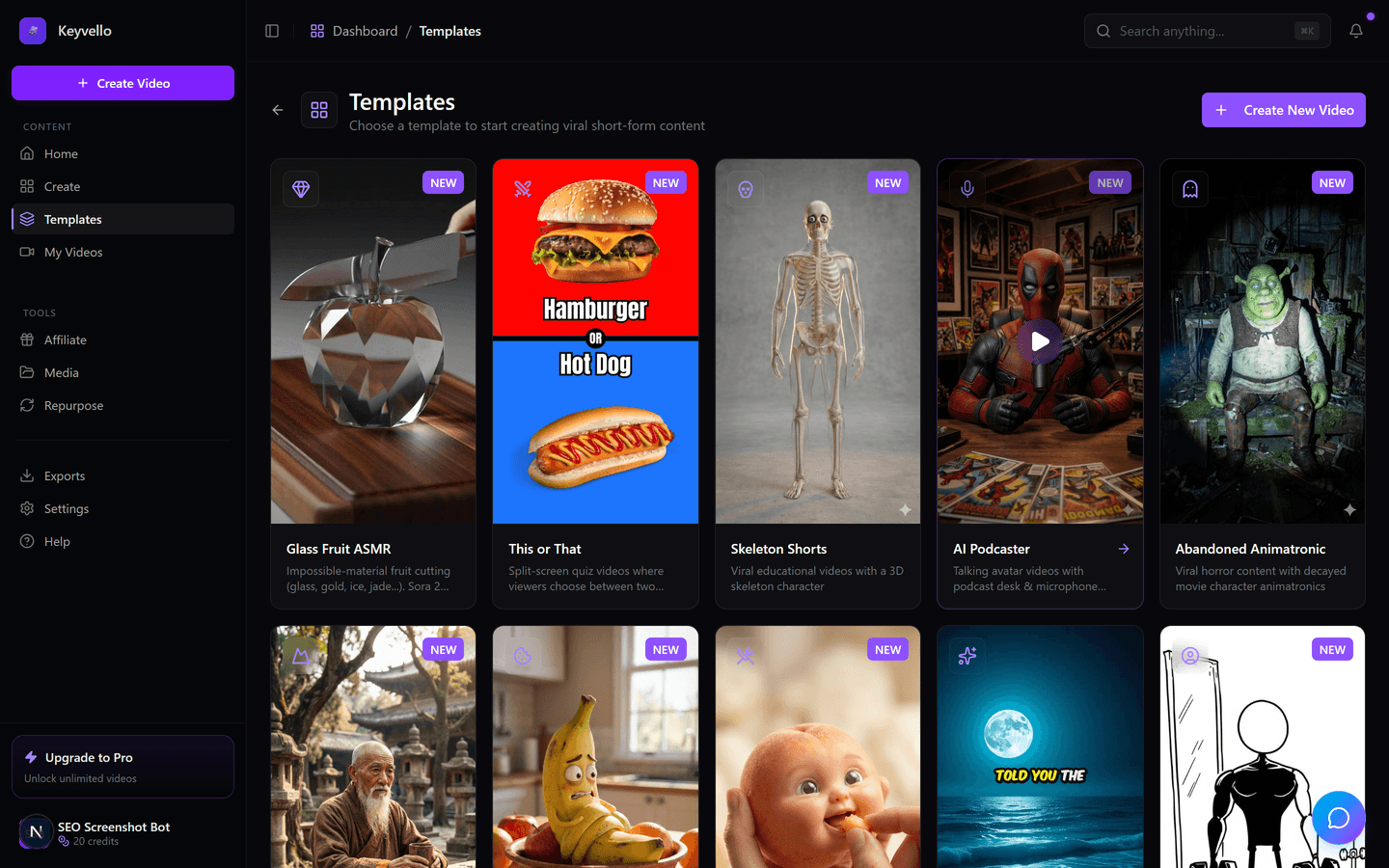
Different lessons want different formats. A straightforward concept explainer suits the AI Stories format; there are 11 templates in total, so you choose the one that matches how you teach. Then you choose the narrator. Voiceover runs through ElevenLabs, which matters more for teaching than for any other genre, because a learner who cannot follow a flat robotic voice tunes out in seconds.
3. It generates, you correct what is wrong
The tool produces the full video in about 2 to 5 minutes: visuals per scene, narration, and captions. Crucially, you are not stuck with the first pass. If an illustration misrepresents a concept, regenerate just that image for 1 credit. If the narrator misreads a term or you want a calmer delivery, redo the voiceover for 3 credits. Teaching lives in accuracy, so this targeted correction is the part that actually makes the output usable.
See what the AI output actually looks like
Below is a real clip generated on Keyvello. It is not an education tutorial, so do not judge the topic, judge the production: the sharpness of the visuals, the pacing, and the narration. That is the quality bar you would be applying to your own lesson script.
Writing a lesson the AI can teach well
The tool only teaches as clearly as you wrote. Generation is the easy part; pedagogy is on you. A few habits that separate a video learners finish from one they bounce off:
Open with the learning outcome
The first line should state what the viewer will be able to do or understand by the end. "By the end of this you will know how to read a nutrition label" beats easing in with throat-clearing. Learners decide in the first few seconds whether this lesson is for them.
Teach one idea per scene
Because the tool splits your text into scenes, a script that introduces one concept per line produces a video that introduces one concept per visual. Cramming three ideas into a sentence gives you a crowded scene the learner cannot absorb. Chunk deliberately.
Use a concrete example for every abstraction
Abstract definitions slide off. Pair each concept with a tiny, concrete example in the very next line ("interest on interest, so $100 at 10 percent becomes $110, then $121"). The tool will illustrate the example, which is what makes it stick.
Turn captions on for study viewing
Learners replay, pause, and watch with the sound off in libraries and on commutes. On-screen captions (+2 credits) let them follow muted and reinforce each point in text, which genuinely aids retention.
Keep each video to one objective
The average video made on Keyvello is about 36 seconds. Education can run longer, but a tight 60-to-90-second video on a single learning objective beats a 5-minute lecture nobody finishes. For a full topic, make a short video per sub-objective and sequence them as a mini-course.
What teaching videos actually cost to make
Credits scale with length and quality, so you can budget a whole lesson series up front. A typical short explainer runs about 15 credits. Base-quality AI-image videos cost: 30s = 10 credits, 60s = 18, 90s = 25, 3min = 40, 5min = 70, 10min = 120. Captions add 2. Quality tiers multiply the base (base 1x, pro 1.5x, ultra 2.5x). One honest cost warning for educators: fully AI-generated motion video (not narrated still images) is far pricier, around 60 credits for 30s and 108 for 60s, so for most lessons the narrated-image format gives you far more videos per dollar. New accounts start with 20 free credits and no card.
How Keyvello compares to other tutorial-video tools
The educational-video space splits into three camps: avatar-presenter tools, prompt-to-explainer generators, and your own screen recorder. They are not interchangeable. Prices below were checked live in May 2026; always confirm on each vendor's page before buying, plans change often.
| Tool | Teaching approach | Best lesson type | Free tier | Watermark | Entry paid price |
|---|---|---|---|---|---|
| Keyvello | Prompt or notes to narrated AI-visual explainer | Concept and process explainers, short lessons | Generate + preview free (download needs paid) | None on any plan | $19/mo |
| Synthesia | AI avatar presenter reading your script | Corporate training, course modules with a "teacher" on screen | Yes, 10 min/mo | Logo on Free and Starter; removed on Creator | $29/mo monthly ($18 annual) |
| invideo AI | Prompt to video with stock footage + voiceover | Lessons that suit real stock footage and B-roll | Yes (limits not on landing page, check site) | Check site | Check site (credit-based plans) |
| Mootion | Lesson text to animated/visualized explainer | Animated concept and science visualization | Check site (no plan details on page) | Check site | Check site |
When you should not use an AI generator at all
Be honest about the lesson. If the teaching genuinely depends on seeing a real human present, body language, building rapport, a named instructor learners trust, an avatar tool like Synthesia (a literal AI presenter) or recording yourself is the better call. If you must show exact clicks inside your own software, no generator can recreate your real interface; a screen recorder like Loom (check site for current plans) captures the actual UI. And if your lesson hinges on real-world footage, a live experiment, a physical demonstration, an AI generator only approximates it. Keyvello earns its place for the large middle ground: explaining concepts, processes, definitions, and ideas where clear narration over illustrative visuals teaches better than either a talking head or a screen capture, and where you want to ship a whole series cheaply.
The track record behind the output
To date more than 9,000+ videos have been generated by 6,000+ creators on Keyvello, including 2,400+ in the last 30 days. The no-watermark-on-any-plan policy and the preview-before-you-pay model are deliberate: an educator should be able to see the finished lesson, in full, before any money is involved.
Try it on a real lesson
Make your first teaching video on the free 20-credit account, no card required. Paste your notes, pick a clear voice, and preview the entire result. When the lesson is right, a paid plan ($19/mo Starter, $39/mo Plus, $99/mo Pro) unlocks downloads, and nothing you export ever carries a watermark.
Frequently Asked Questions
What is an AI tutorial video generator, exactly?
It is software that turns a written lesson, topic, or set of notes into a finished educational video, handling the script, the visuals, the voiceover narration, and the captions for you. You do not film anything or edit a timeline. You describe what to teach, and on Keyvello the tool produces a watchable explainer in roughly 2 to 5 minutes.
Can I make an educational video for free?
Yes. A new account includes 20 free credits and no credit card. You can paste your lesson, generate the full video, and preview every scene at no cost. The honest limit is that downloading the finished file requires a paid plan ($19/mo Starter and up). Previewing is free so you can confirm the lesson is accurate before paying.
Is this the same as Synthesia or an avatar tool?
No. Synthesia puts an AI avatar presenter on screen reading your script, which suits corporate training where learners expect a 'teacher.' Keyvello generates a narrated explainer from illustrative AI visuals with no presenter. If your lesson needs a human-style face, an avatar tool fits better; if it is concept- or process-driven, the explainer format is usually clearer and cheaper.
How much does a teaching video cost in credits?
It scales with length and quality. Base-quality AI-image videos cost 10 credits for 30s, 18 for 60s, 25 for 90s, and 40 for 3 minutes. Captions add 2. A typical short explainer runs about 15 credits, so your free 20-credit account covers your first lesson. Fully animated motion video costs much more (around 60 credits for 30s), so most educators use the narrated-image format.
How do I make the lesson clear instead of generic?
Paste your own teaching notes as the script rather than relying on a one-line prompt, open with the learning outcome, teach one idea per scene, and pair every abstract concept with a concrete example in the next line. The tool splits your text into scenes, so a well-chunked script becomes a well-paced video. If an image misrepresents a concept, regenerate just that one for 1 credit.
Will my exported teaching video have a watermark?
No. There is no watermark on any plan, including the cheapest paid tier. That differs from some alternatives whose free or starter tiers stamp a logo you only remove by upgrading, so a downloaded Keyvello lesson is clean regardless of which paid plan you are on.
Start Creating What Is an AI Tutorial Video Generator? | Keyvello Videos
AI-generated what is an ai tutorial video generator? | keyvello videos in minutes. Try it free.
Get Started Free