Manhwa Recap Video Generator: Narrate Series Recaps with AI Visuals
Make manhwa, manhua and webtoon recap videos with AI narration and original art, not reuploaded panels. Honest copyright guidance plus a real cost comparison.
Use Cases
TL;DR: Yes, you can make manhwa recap videos with AI. The honest version is that Keyvello does not import the actual webtoon panels. It writes your recap script, generates original AI scenes in a manhwa/anime-leaning style, narrates them with an ElevenLabs voice, and stitches a vertical or horizontal video in 2 to 5 minutes. For a narrated plot recap that is the safer path, because original art plus your commentary is transformative, while reuploading scanlated panels is the fastest way to a Content ID claim or a strike.
This page is for someone who actually wants to summarize a series, like a 60 to 90 second "the whole first arc in 90 seconds" recap, not someone after a panel-ripping shortcut. Below: how the workflow goes, how to structure a recap that holds, what it costs, the copyright nuance that decides whether your channel survives, and an honest comparison of the realistic ways to make these videos.
How a recap gets built in three steps
There is no timeline to learn. You go from a script to a watchable recap in one pass.
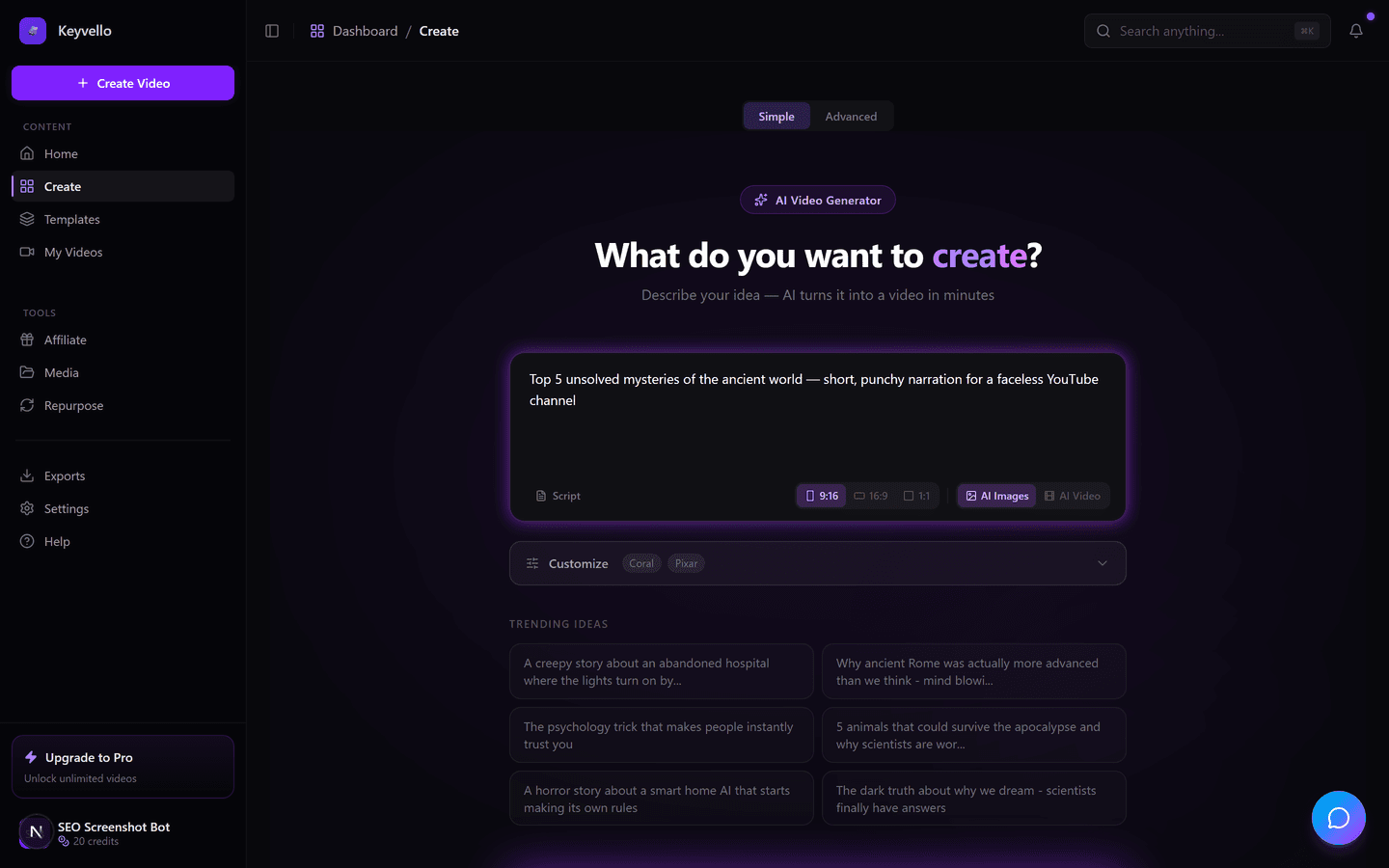
1. Script the recap (or paste your own)
Type the beats you want covered, for example "recap the first arc of a regression-revenge manhwa where the disgraced heir wakes up ten years in the past," or paste a script you already wrote. Recap creators almost always write their own script here, because accuracy to the source plot is the whole point. The AI is best used to expand your beats into smooth narration and split it into scenes, not to invent plot.
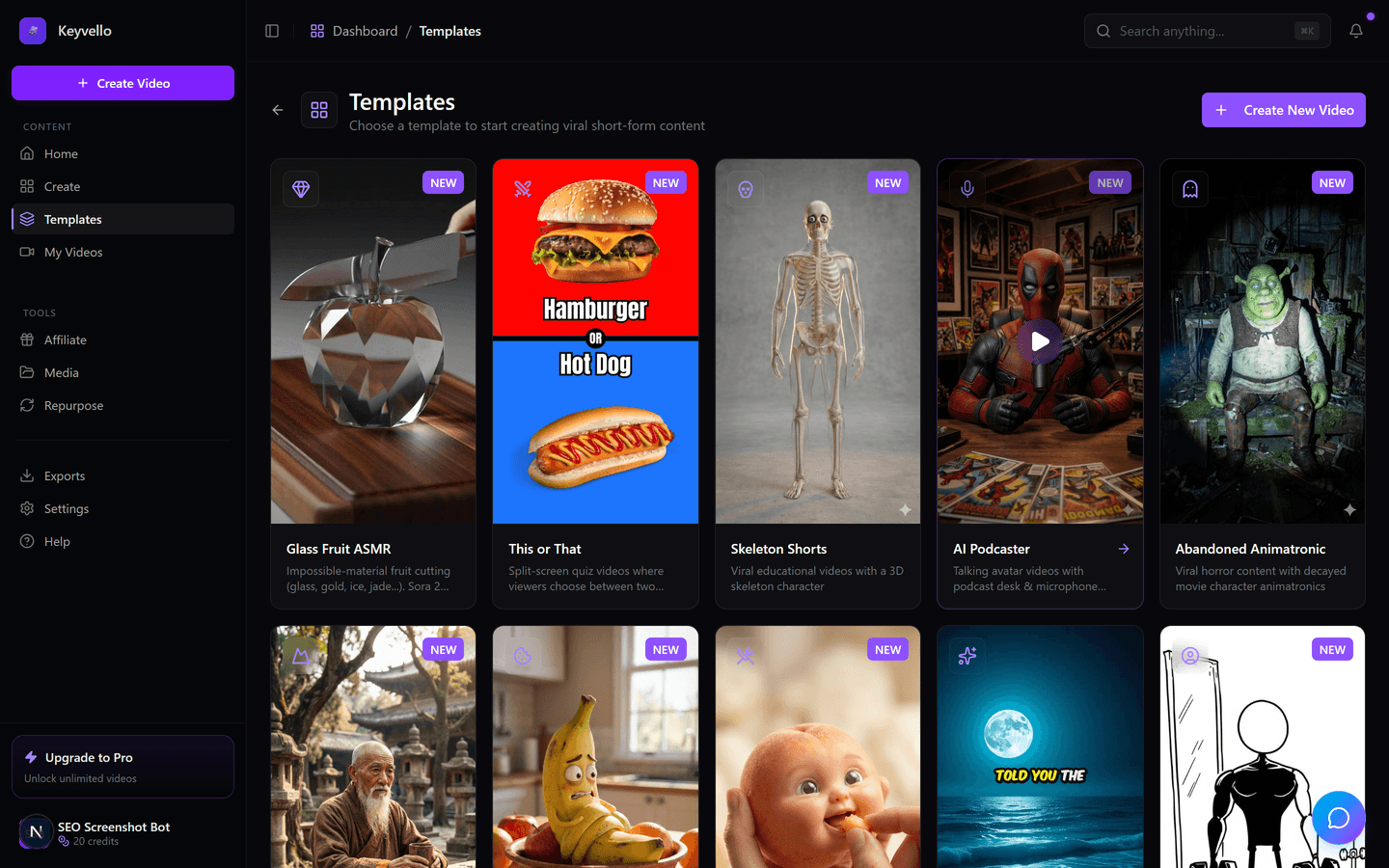
2. AI generates original scenes plus narration
Use the AI Stories template, built for scripted, narrated story content. It generates original AI images in a manhwa/anime-ish style scene by scene while an ElevenLabs voice reads your narration in parallel. Be clear-eyed about this: you get an original visual interpretation, not the artist's actual panels. Faces, costumes and exact paneling will not match the source.
3. Preview and fix the weak scenes
Generation takes 2 to 5 minutes and you watch the full result in the browser with captions and audio, no watermark on any plan. If one scene's art is off, regenerate just that image for 1 credit; if the narration delivery is wrong, redo the voice for 3. You tighten the few weak spots instead of re-rendering the whole thing.
See the AI image-to-motion quality
This is a real Keyvello image-to-motion output. It is not an actual manhwa recap; it is here only so you can judge the AI art and the subtle camera motion before you spend a single credit. Watch it on mobile, sound off, the way most of your recap audience will.
The honest read: AI scene generation is strong for atmosphere, characters and settings, but it will not perfectly reproduce a character's canonical design. For recaps that lean on narration and mood, that is fine. If your channel's whole identity is showing the exact original art, see the comparison below.
How to structure a recap that actually holds viewers
The format that works for manhwa and webtoon recaps is tight and front-loaded:
- Hook in the first 3 seconds. Open on the single most shocking turn or the premise's twist ("He died as the world's weakest, then woke up as its strongest villain"). Do not open with "Today I'm recapping..." because that is where viewers swipe.
- One arc, not the whole series, for a 60 to 90 second cut. A 60 second recap is roughly 8 to 12 scenes; 90 seconds is roughly 12 to 16. Trying to cram 100 chapters into 60 seconds turns into a name-soup nobody can follow.
- Pace one scene per 4 to 7 seconds. Faster than that and the AI art has no time to land; slower and momentum dies. Let the visual change every time the plot moves.
- Order it hook then key beats then cliffhanger. End on the unresolved question ("...but he still doesn't know who betrayed him") so viewers go look for part two or the source. The cliffhanger is what earns the follow.
- Captions on, always. Most short-form recap viewing is sound-off; burned-in captions keep the plot legible. Keyvello adds them automatically (+2 credits).
Write the script to the visuals you can actually get. Because the art is original, lean your narration on plot, motivation and stakes rather than "look at this exact panel," and the mismatch between AI art and source design stops mattering.
The copyright and monetization nuance no recap creator should skip
This section decides whether your channel makes money or gets demonetized, so here is the straight version.
Webtoon and manhwa publishers are aggressive about copyright. Kakao Entertainment files DMCA takedowns at enormous scale (ranked among Google's top requesters, with millions of URLs submitted in single days), and Naver's WEBTOON runs an AI fingerprinting system, Toon Radar, that embeds invisible tracking data into panels to trace leaks and trigger takedowns (ANN, 2025; Kakao newsroom). On the video side, anime and manga visuals routinely get matched by YouTube's Content ID (the rights holder usually just claims your ad revenue), and YouTube's reused/inauthentic content policy can demonetize low-effort clip dumps (vidIQ; YouTube policies).
Here is why original-art recaps sidestep the worst of it. Keyvello generates original AI scenes and does not let you upload the actual manhwa panels to re-publish. For recaps that is a deliberate advantage: AI visuals plus your own narration and commentary is a transformative work, so there is no panel for Content ID to match and no scanlation to trip a publisher's takedown bot. You still cannot copy a creator's exact dialogue or claim the story is yours, and a recap is still a derivative use of plot, but you remove the single biggest automated risk, reuploading the artwork itself. Be honest about scope: this guards against the obvious art-and-clip strikes, not every conceivable claim, and it is not legal advice.
What a recap costs
Keyvello runs on credits that scale with length, captions and quality, not a flat per-video fee. A typical 60 to 90 second recap lands at about 18 to 25 credits at base quality (20 to 27 with captions); the average video across all creators is about 36 seconds and roughly 15 credits. Base-quality breakdown:
| Recap length | Base credits | + Captions |
|---|---|---|
| 30 seconds | 10 | 12 |
| 60 seconds | 18 | 20 |
| 90 seconds | 25 | 27 |
| 3 minutes | 40 | 42 |
| 5 minutes | 70 | 72 |
| 10 minutes | 120 | 122 |
Quality multipliers stack on top: base 1x, pro 1.5x, ultra 2.5x. New accounts get 20 free credits with no card, which is enough to generate and fully preview about one complete 60 to 90 second recap so you can judge whether the AI art fits your niche. The catch worth stating plainly: previewing is free, but downloading the finished MP4 needs a paid plan (Starter $19/mo, Plus $39/mo, Pro $99/mo). There is no watermark on any plan, so the preview is the real, clean output.
Honest comparison of the realistic ways to make manhwa recaps
Each row is a genuine approach creators use. "Copyright risk" here means the risk of a Content ID claim, DMCA takedown or demonetization, since that is what decides whether a recap channel survives.
| Approach | Copyright risk | Effort | Cost |
|---|---|---|---|
| Keyvello (AI original scenes + narration) | Low - original AI art, nothing for Content ID to match | Low - script, generate, preview in minutes | 20 free credits, then $19/mo; ~18-25 credits per 60-90s recap |
| Manual editing in CapCut with scanlated panels | High - reuploaded panels can trigger DMCA/Toon Radar takedowns | High - source, arrange and time every panel by hand | Free editor (mostly watermark-free if you skip template outros - see CapCut) |
| Screen-recording the webtoon + voiceover | High - it is the original art on screen; classic Content ID / takedown target | Medium - record, trim, narrate | Free recorder + your editor |
| Other AI generators with stock anime clips | Medium - depends on whether clips are licensed; check the tool's terms | Low to medium | Varies - check the tool's site |
The pattern: the two approaches that put the actual art on screen are the lowest effort to start but carry the real takedown risk, because that art is exactly what publishers' bots and Content ID are built to catch. Original AI art is more work to make convincing but removes that specific risk.
When another approach is better
Keyvello is the wrong tool if your channel's entire value is showing the real artwork. For a panel-by-panel review, a reaction, or critical commentary where viewers need to see the exact original art under a fair-use rationale, a manual editor like CapCut with the real panels is the only way, and you take on the copyright risk knowingly. Same if you want a faithful clip compilation of existing scenes, since no AI generator will give you the canonical frames. Use Keyvello specifically when your goal is an original-art, narrated plot recap produced fast and at volume, where the story and your commentary carry the video and the visuals are atmosphere rather than the source itself.
Proof it is real usage
Creators have generated more than 9,000 videos on Keyvello, including over 2,400 in the last 30 days, across a community of 6,000+ creators. That is recurring usage from people shipping content, not a demo reel.
Start free
You do not need a card to see whether AI-art recaps fit your channel. Create an account, get 20 free credits, paste a recap script for one arc, pick AI Stories, and watch the full preview with narration and captions. If the quality earns it, the cheapest paid plan is $19/mo, removes the download lock, and never adds a watermark.
Frequently Asked Questions
Can Keyvello use the actual manhwa panels in my recap?
No, and that is intentional. Keyvello generates original AI scenes in a manhwa/anime style rather than importing the real artwork. For a recap that is an advantage: original AI visuals plus your narration are transformative, so there is nothing for YouTube's Content ID to match and no scanlated panel to trigger a publisher's DMCA takedown. If you specifically need the real panels on screen, you would have to edit them manually in a tool like CapCut and accept the copyright risk.
Will a manhwa recap made this way get a copyright strike or demonetized?
Using original AI art removes the biggest automated risk, which is reuploading the actual artwork that publishers like Naver WEBTOON (via its Toon Radar fingerprinting) and Kakao aggressively take down. It does not make you immune to every claim, since a recap is still a derivative use of someone's plot, and YouTube's reused/inauthentic content policy can demonetize low-effort clip dumps. Write a genuine, original-script recap with your own commentary and you are on far safer ground than panel reuploads. This is guidance, not legal advice.
Which template should I use for a manhwa recap?
Use AI Stories. It is built for scripted, narrated story content, so it fits a plot recap better than the other templates. You paste or write the recap script, it splits the narration into scenes, generates original AI art for each, and adds an ElevenLabs voiceover automatically.
How long should a manhwa recap video be and how many scenes?
For short-form, 60 to 90 seconds works best for a single arc. A 60 second recap is roughly 8 to 12 scenes and a 90 second one is roughly 12 to 16, pacing about one scene every 4 to 7 seconds. Cover one arc well rather than cramming a whole series into a minute, and end on a cliffhanger so viewers seek out the source or your next part.
How much does one recap cost in credits?
A 60 to 90 second recap is about 18 to 25 credits at base quality, or 20 to 27 with captions. New accounts get 20 free credits, enough to generate and fully preview roughly one complete recap. Quality tiers multiply the cost (base 1x, pro 1.5x, ultra 2.5x), and you can regenerate a single weak image for 1 credit or redo the voice for 3.
Start Creating Create Viral Manhwa Recap Videos Instantly with Keyvello Videos
AI-generated create viral manhwa recap videos instantly with keyvello videos in minutes. Try it free.
Get Started Free