How an AI-Powered Video Maker Turns a Prompt into a Finished Video
A plain-English walkthrough of how an AI video maker turns one prompt into a finished short — script, scene split, AI images, voice, captions. Honest, no hype.
Use Cases
TL;DR: An AI-powered video maker does not film anything. It runs a five-step pipeline: writes a script from your prompt, splits it into scenes, generates an image for each scene, reads the script aloud with a synthetic voice, then times captions and stitches it all together — about 2 to 5 minutes in Keyvello. The AI is genuinely good at assembly and visuals; it is weaker at judgment, fact-checking, and knowing your audience. This page explains each stage honestly so you know what you are buying.
If you have never used one, "AI makes the video" sounds like a black box. It is not magic and not a single model — it is a chain of separate AI systems handing work to each other. Once you can see the chain, you can predict where it shines and where you have to step in.
The five stages, in plain English
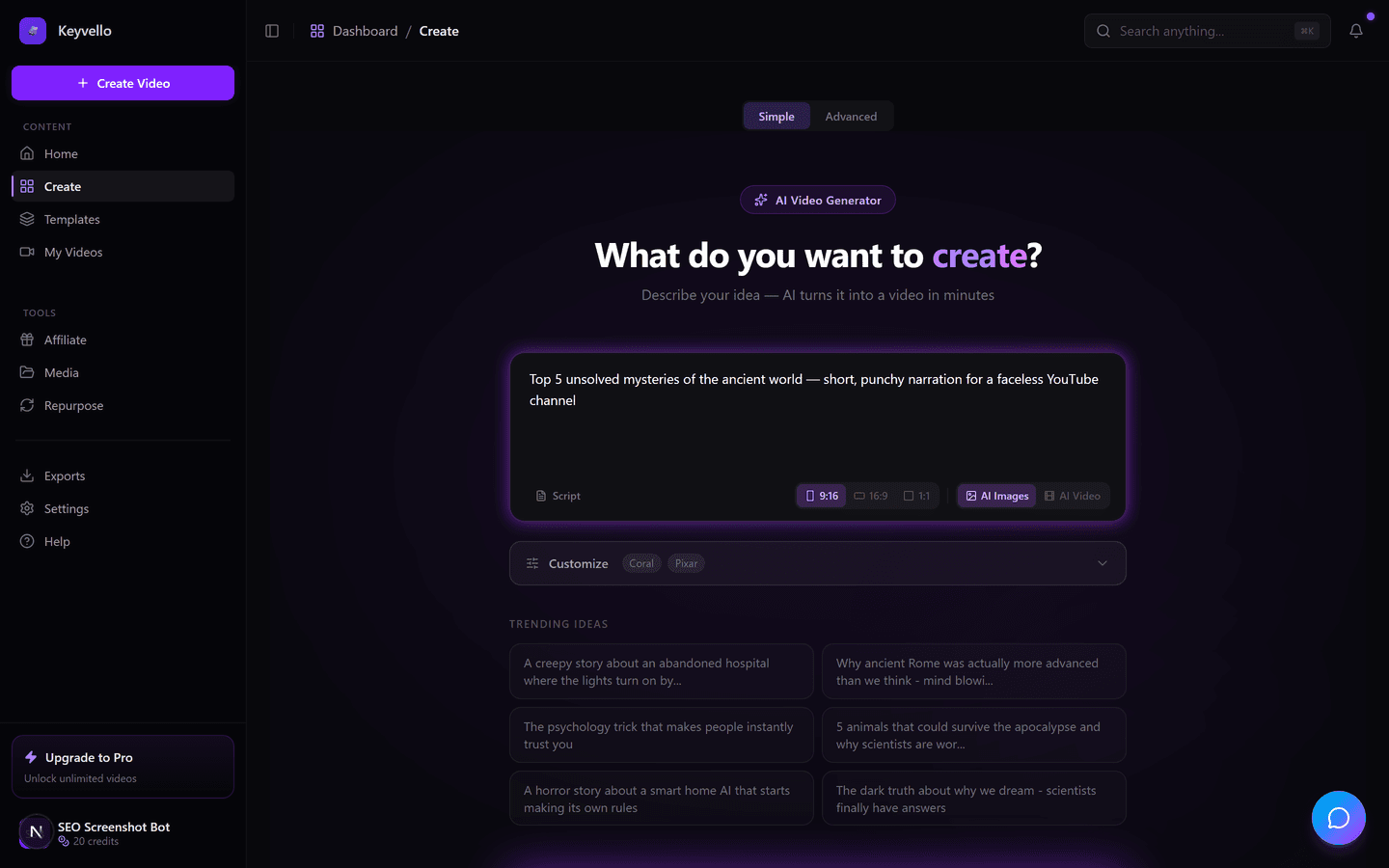
Every prompt flows through the same pipeline. This is literally what happens between clicking generate and watching the result.
Stage 1 — A language model writes the script
You type something like "3 unsolved deep-sea mysteries." A large language model (GPT-4o here) expands that into narration — a hook, body, and closing line, written in the rhythm of short-form rather than an essay. This is the stage you have the most leverage over: a vague prompt gets a vague script. Paste your own script instead and the AI skips this step and uses your words verbatim.
Stage 2 — The script is split into scenes
The narration is chopped into short beats, usually one or two sentences each. Each beat becomes a scene with its own image prompt derived from that sentence. This is why the visuals track what is being said instead of being one static background. You do not write the splits; the AI infers them from sentence structure and pacing.
Stage 3 — An image model draws each scene
For every scene, an image model (Fal.ai's FLUX) generates an original picture from the scene's prompt. This is the part people mean when a video "looks AI-made." The images are generated, not pulled from stock, so they are unique to your video — but they can also drift, repeat a face oddly, or misread an abstract line. Regenerating a single image costs 1 credit, which exists precisely because you will sometimes want a redo.
Stage 4 — A voice model reads the script
The script is sent to a text-to-speech model (ElevenLabs) which returns a natural-sounding voiceover. A detail most beginners miss: ElevenLabs returns word-level timestamps with the audio, so the tool knows exactly when each word is spoken — which matters for the next stage. A voice redo costs 3 credits.
Stage 5 — Captions are timed and everything is stitched
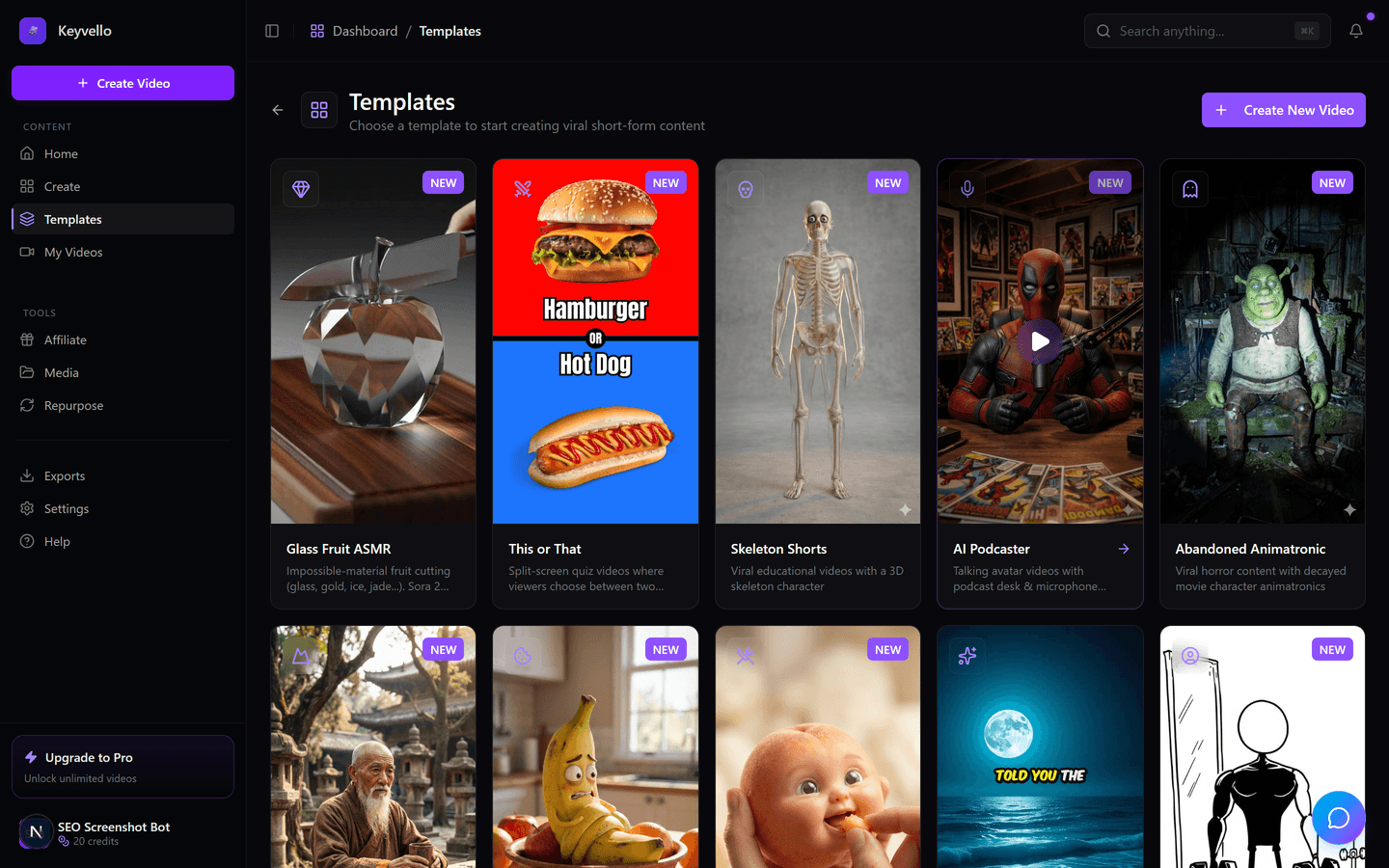
Using those timestamps, captions are burned in so each word highlights as it is spoken — no manual subtitle editing. Then images, voiceover, and captions are composed into one vertical MP4. You pick the look up front via a template, which controls style, pacing, and caption design so a beginner does not have to art-direct anything.
See what the pipeline actually outputs
The only honest test of a pipeline is the result. Below is a real Keyvello-generated short — treat it as a sample of output quality, not your exact niche. Your video uses your script and template, but this is the production level the chain above can hit. Watch it with sound on.
What the AI does well, and where you still have to think
If you expect the AI to replace judgment, you will ship mediocre videos and blame the tool. The honest boundary:
Reliably good at: turning a topic into a structured, watchable script; producing original visuals for every line so the video is not a slideshow; generating a clean voiceover in seconds; and timing captions to that voice. These are the tedious parts of faceless content — automating them is where the real hours are saved.
Not good at, and you should own: fact-checking (it states things confidently that are wrong — verify any claim before publishing); knowing what your audience finds interesting; catching an image that is technically fine but tonally off; and the hook. The first three seconds decide whether anyone watches, and that is still a human call. The 1-credit image regenerate and 3-credit voice redo exist because you are expected to curate the output, not accept the first pass blindly.
What the pipeline costs to run
Each generation consumes credits, scaling with length, captions, and quality tier rather than a flat fee — longer videos mean more scenes, more images, more voice synthesis. The average Keyvello video is about 36 seconds and costs roughly 15 credits. Base-quality breakdown:
| Video length | Base credits | + Captions |
|---|---|---|
| 30 seconds | 10 | 12 |
| 60 seconds | 18 | 20 |
| 90 seconds | 25 | 27 |
| 3 minutes | 40 | 42 |
| 5 minutes | 70 | 72 |
| 10 minutes | 120 | 122 |
Quality multipliers stack on top: base 1x, pro 1.5x, ultra 2.5x. One thing to know before choosing: a pipeline generating AI images per scene is far cheaper than one generating AI video per scene. A 30-second AI-image short is 10 credits; with AI-generated video clips it runs around 60, and 60 seconds around 108. AI video looks more cinematic but burns credits fast, so most creators run on images and reserve AI video for standout clips.
How the major tools differ at the visual stage
The first four stages are broadly similar across modern AI video makers. Where they diverge is how they fill the screen, and that one choice changes how your videos look. Facts below were checked against each company's public pages in 2026; where a page did not clearly state something, the cell says "check site" rather than guessing.
| Tool | How it fills each scene | Voice engine | Visuals | Cheapest paid plan |
|---|---|---|---|---|
| Keyvello | Original AI image per scene (FLUX) | ElevenLabs | Generated per video | $19/mo (Starter) |
| Pictory | Matches text to stock clips | AI voices + upload | Stock (Storyblocks) | check site |
| InVideo AI | Stock footage + some AI | ElevenLabs + others | Mostly stock (iStock) | check site (~$28 Plus) |
| Fliki | Voice-first + stock visuals | Own; ElevenLabs-grade higher | Stock library | check site |
| Revid.ai | Remixes trending formats + AI | AI voices | Remix + generated | $39/mo (Hobby), verify |
The takeaway: if you want visuals nobody else has, pick a tool that generates images (Keyvello). If you want real footage of actual places and people, a stock-driven tool (Pictory, InVideo, Fliki) fits better — generated imagery cannot show a specific real location convincingly.
When a different approach beats this one
This pipeline is built for faceless, narrated short-form, not everything. If you need a realistic on-screen presenter speaking to camera — training, sales, localized enterprise video — Synthesia or HeyGen build the product around AI avatars and do it far better. If your raw material is real footage you already shot, a traditional editor like CapCut or DaVinci Resolve gives you control no generative pipeline can. And if your videos depend on showing specific real places or products, stock-driven tools like Pictory look more authentic than any generated image. Keyvello's pipeline is the right call specifically for original-visual, narrated shorts produced fast and in volume.
This pipeline runs at real volume
This chain is not a demo. Creators have generated more than 9,000 videos through it, including over 2,400 in the last 30 days, across 6,000+ creators — the same five-stage pipeline running over and over for people shipping real content.
Try the pipeline yourself
The fastest way to understand a pipeline is to push a prompt through it. New accounts get 20 free credits with no card — enough to generate and fully preview about two short videos. There is no watermark on any plan, so the preview is the genuine output; the catch worth stating plainly is that downloading the MP4 requires a paid plan, starting at $19/mo. Generate one short, see where the AI nails it and where you would tweak the script, and you will know exactly what an AI-powered video maker is and is not.
Frequently Asked Questions
Does an AI video maker actually film or record anything?
No. It generates everything synthetically. A language model writes the script, an image model draws each scene, and a text-to-speech model produces the voiceover. Nothing is filmed with a camera. That is why it works for faceless content — there is no footage to shoot, only a prompt to write.
Is the AI a single model or several?
Several, chained together. Keyvello uses GPT-4o for the script, Fal.ai's FLUX for the per-scene images, and ElevenLabs for the voice, with caption timing layered on top. They hand work to each other in sequence, which is why you sometimes want to regenerate just one stage (an image or the voice) rather than the whole video.
Why do the images sometimes look off, and what can I do?
Because they are generated from a short text prompt per scene, an image model can occasionally misread an abstract line or render an odd detail. You are expected to curate — regenerating a single image costs 1 credit. Reviewing the scenes and redoing the few weak ones is normal workflow, not a defect.
How are the captions timed so perfectly?
ElevenLabs returns word-level timestamps alongside the generated audio, so the tool knows exactly when each word is spoken. Captions are burned in using those timestamps, which is why each word highlights in sync without any manual subtitle editing on your part.
What does the AI still get wrong that I have to handle?
Fact-checking and judgment. The script model can state things confidently that are inaccurate, so verify any claim before publishing. It also cannot know your specific audience or guarantee a strong hook. Read the script and rewrite a flat opening line — the first three seconds decide whether anyone watches.
Why is AI video so much more expensive than AI images?
Generating a moving video clip per scene is vastly more compute-intensive than generating a still image. A 30-second AI-image short is about 10 credits; the same length with AI-generated video clips is around 60. Most creators run on AI images and reserve AI video for occasional standout clips.
How long does the whole pipeline take to run?
Start Creating AI Video Maker Videos
AI-generated ai video maker videos in minutes. Try it free.
Get Started Free